Top 10 Best AI-Powered Study Tools in 2026
Ten AI study tools compared, from chat assistants to spaced repetition: what each one actually changes in the way you study, what it costs, and who it suits.
This article is also available in French.
Every month brings another "AI study app". Most of them do the same three things — summarise a document, generate flashcards, answer questions — and the differences that matter only surface after a few weeks of use.
This list is ordered by how much a tool changes the way you study, not by how much it can generate. Four questions decided the ranking: does it help you understand rather than hand you an answer, does it make you practise, does it bring material back before you forget it, and how much work does it take off your hands?
Prices are those advertised in September 2026 and change often — check before you subscribe.
At a glance
| Rank | Tool | Best for | Pricing |
|---|---|---|---|
| 1 | ChatGPT (Study Mode) | Asking questions about anything, at any hour | Free; Plus at $20/month |
| 2 | Fenelon | Learning a subject properly over several weeks | From €5/month |
| 3 | Google NotebookLM | Making sense of your own notes and PDFs | Free; more capacity with Google AI Pro |
| 4 | Quizlet | Memorising vocabulary and definitions | Free; Plus around $36/year |
| 5 | Anki | Retaining a large body of facts for years | Free; around $25 once on iOS |
| 6 | Khanmigo | School students working on maths and science | Free for US teachers; around $4/month for families |
| 7 | StudyFetch | Turning lecture material into practice fast | Free tier; subscription from around $10/month |
| 8 | Knowt | High-schoolers who want Quizlet features for free | Free; Pro around $10/month |
| 9 | Perplexity | Researching an essay with sources you can cite | Free; Pro at $20/month |
| 10 | Speechify | Getting through reading lists on the move | Free; Premium around $139/year |
-

1. ChatGPT (Study Mode)
The general-purpose assistant, with a mode built for studying rather than answering.
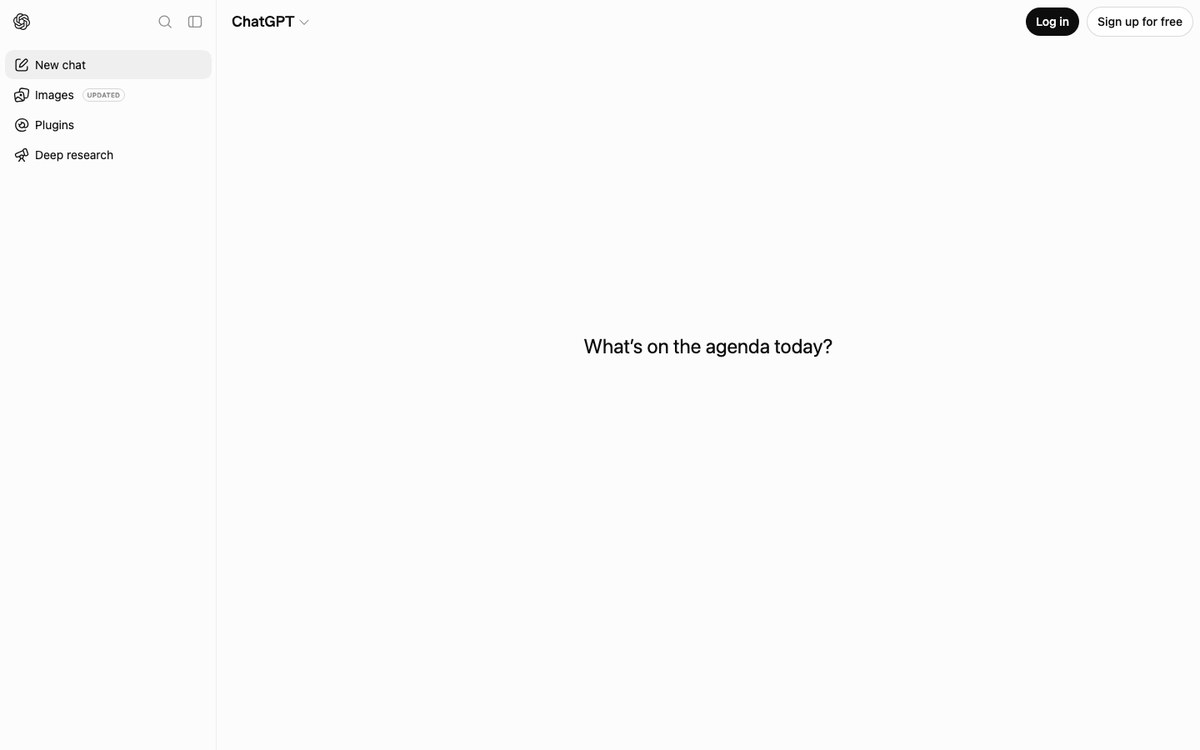
ChatGPT is where most students start, and study mode changes what it does with a question: instead of handing over the answer, it asks you questions back, breaks the problem into steps and checks what you actually understood.
It handles any subject, at any hour, in any language. What it will not do is decide what you should revise next, or remember that you were confused by the same thing last week.
Visit websitePros
- Works on any subject and any format
- Study mode makes you do the thinking
- The free tier is genuinely usable
Cons
- No progress tracking and no spaced review
- Confidently wrong now and then
- You have to drive every session yourself
-

2. Fenelon
Turns a learning goal into a structured path, with curated material and exercises.
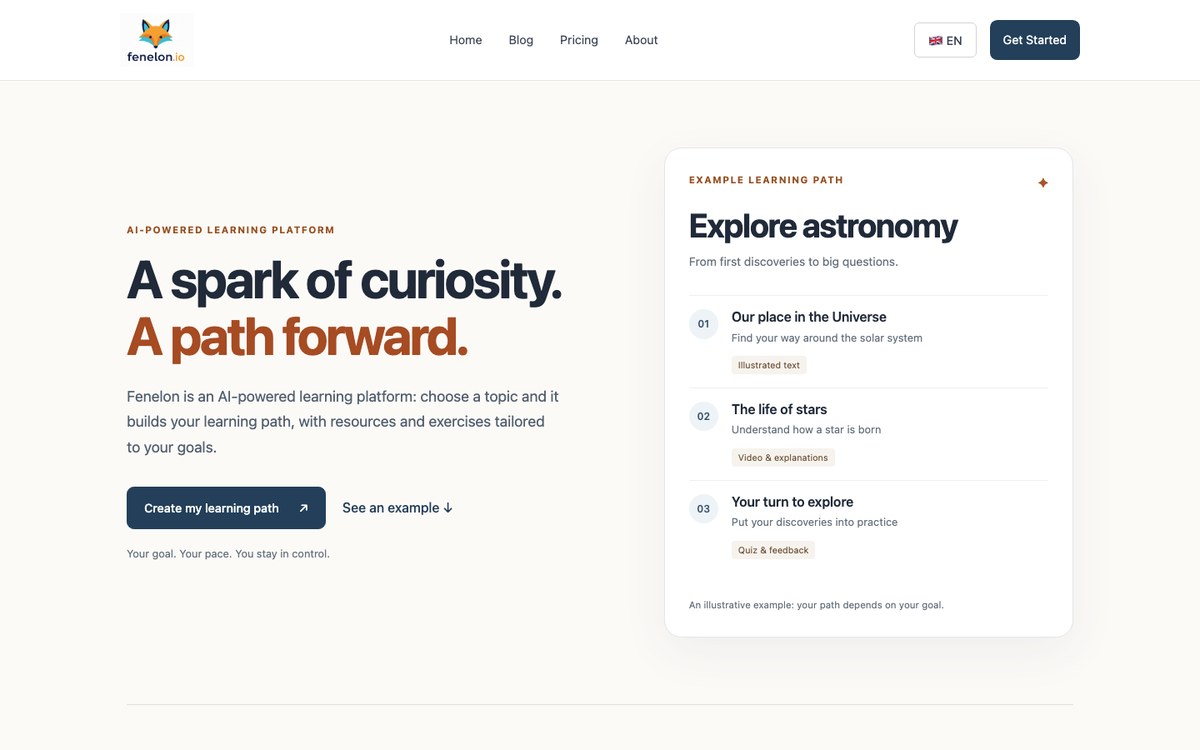
Fenelon starts from what you want to be able to do, not from a document you upload. You state a goal, it builds a learning path, selects the resources worth your time — articles, videos, podcasts — and turns them into exercises that check whether the idea actually stuck.
The path adapts as you go, and revision is scheduled for you rather than left to your willpower. It is built for a subject you intend to learn over weeks, not for the chapter you have to cram tonight.
Visit websitePros
- Starts from your goal, not from your files
- Curated resources instead of a wall of generated text
- Exercises and spaced review built into the path
Cons
- No free plan
- Overkill for a one-off revision session
- A younger product than the giants on this list
-

3. Google NotebookLM
An assistant grounded in your own documents, with a citation behind every claim.
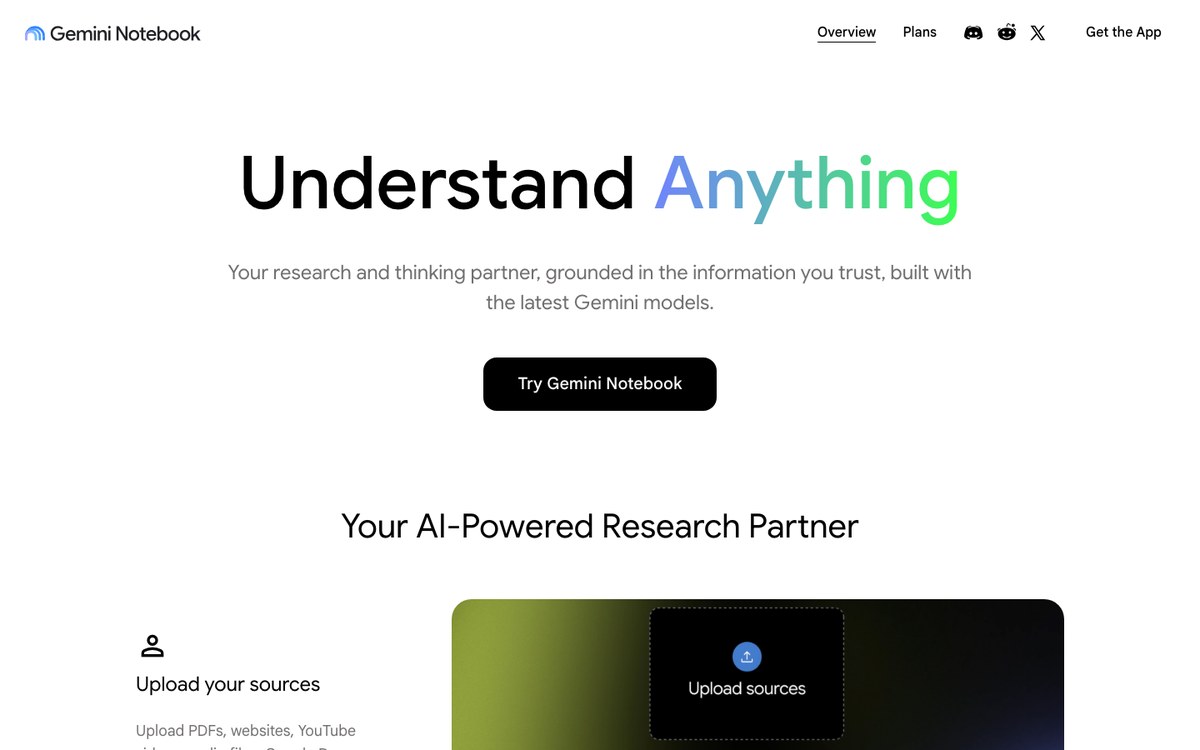
Upload your lecture notes, PDFs and slides, and NotebookLM answers from them alone, pointing at the passage it used. Its audio overviews turn a pile of sources into a two-voice conversation you can listen to on the way to class.
It is excellent at making sense of material you already have, and deliberately useless outside it: no learning path, no exercises, no revision schedule.
Visit websitePros
- Answers grounded in your own sources, with citations
- Audio overviews for revising away from a screen
- Free to use
Cons
- Knows nothing beyond the files you give it
- No exercises and no spaced review
- Source limits on the free tier
-

4. Quizlet
The flashcard veteran, now generating sets and study plans from your notes.
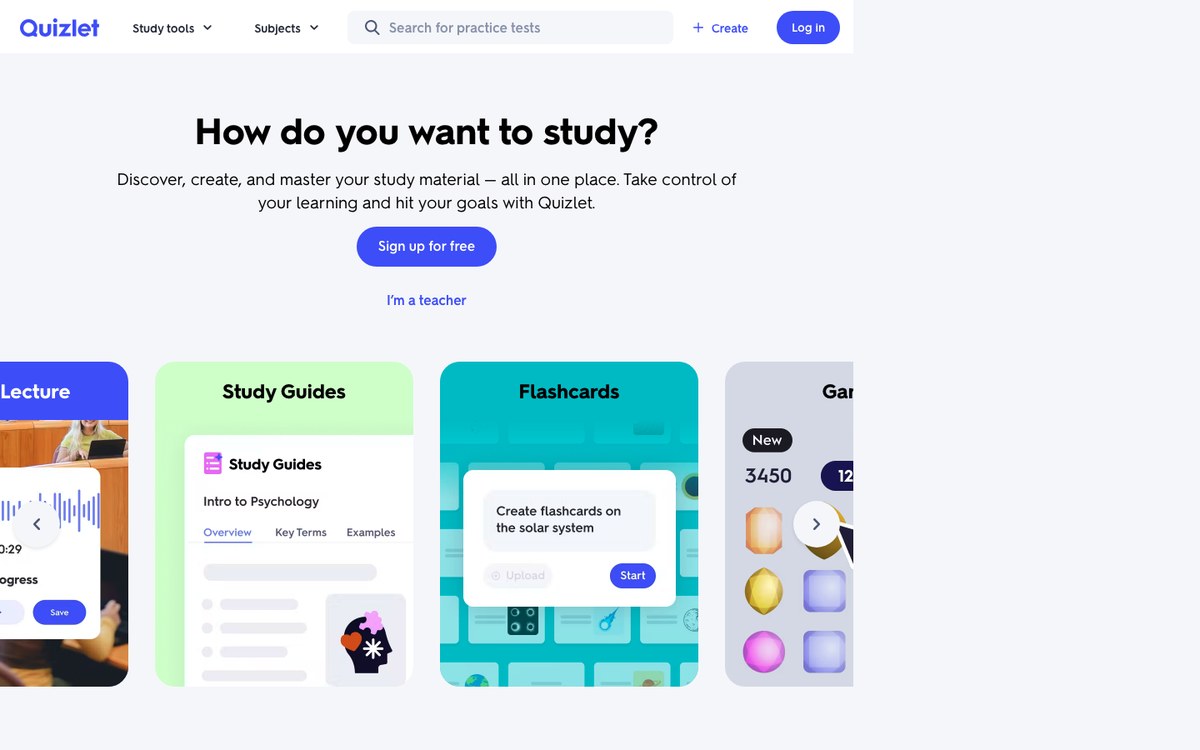
Quizlet's real advantage is the hundreds of millions of sets other students have already made: for most standard curricula, someone has done the typing for you. Learn mode mixes recall, multiple choice and writing, and Magic Notes turns a document into a set in seconds.
The free tier is ad-supported and the AI features sit behind Quizlet Plus. The quality of public sets is exactly as variable as you would expect.
Visit websitePros
- Enormous library of ready-made sets
- Several practice modes, not just flipping cards
- Solid mobile apps
Cons
- The best AI features are paid
- Public sets contain plenty of errors
- Ads on the free tier
-

5. Anki
The spaced repetition engine serious memorisers have relied on for fifteen years.
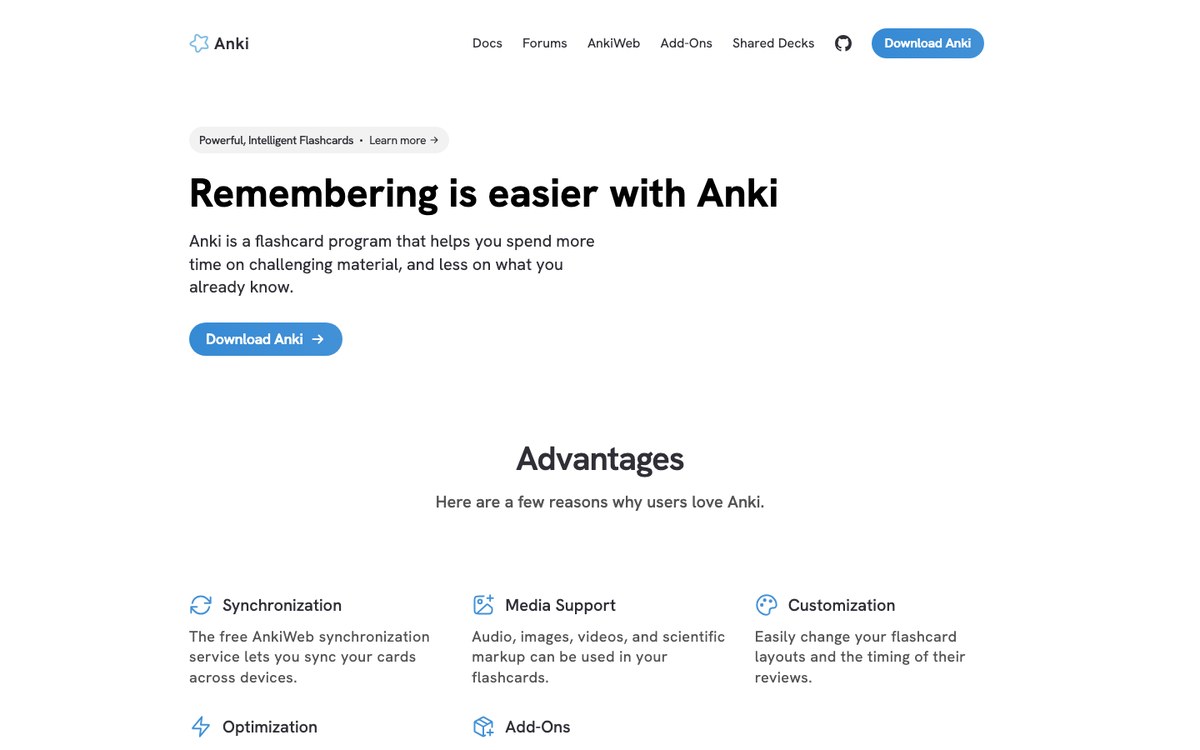
Anki does one thing: it shows you a card at the moment you are about to forget it. Its scheduler, now built on FSRS, is the reason medical students and language learners put up with an interface that looks like it was designed in 2010.
There is no AI in the box — you write your own cards, or download one of the thousands of shared decks — and that friction is precisely what makes the cards good.
Visit websitePros
- The most proven spaced repetition scheduler
- Free and open source on desktop and Android
- Thousands of shared decks and add-ons
Cons
- Dated, intimidating interface
- No AI generation without add-ons
- Writing good cards takes real time
-

6. Khanmigo
Khan Academy's tutor, built to guide students instead of answering for them.
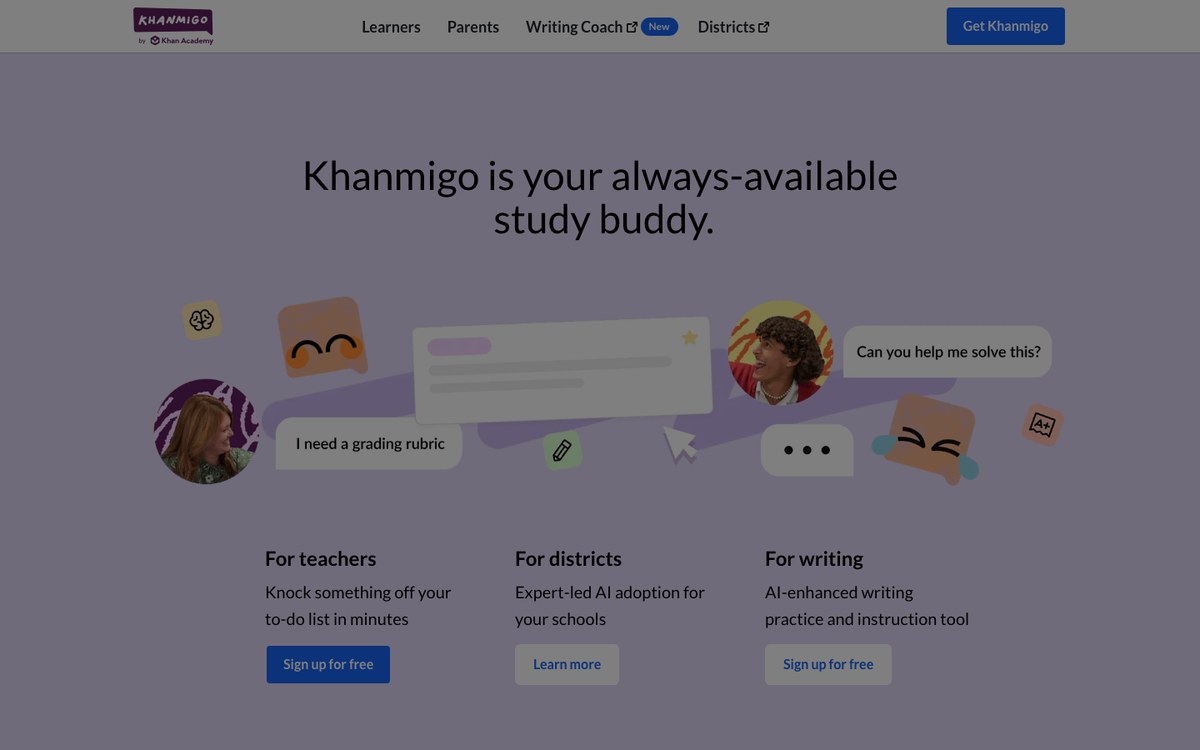
Khanmigo sits on top of Khan Academy's exercises and refuses to simply give the answer: it asks what you have tried, where you got stuck, and nudges from there. For school-level maths and science, that restraint makes it one of the safest AI tutors to put in front of a teenager.
It is tied to the Khan Academy curriculum — a strength if you follow the American syllabus, a limit if you do not.
Visit websitePros
- Tutors by questioning rather than answering
- Anchored in Khan Academy's exercises
- Designed for school use, with safeguards
Cons
- Built around the US curriculum
- Limited availability outside the US
- Little use beyond school subjects
-

7. StudyFetch
Feed in a lecture, a PDF or a video; get notes, flashcards and practice tests back.
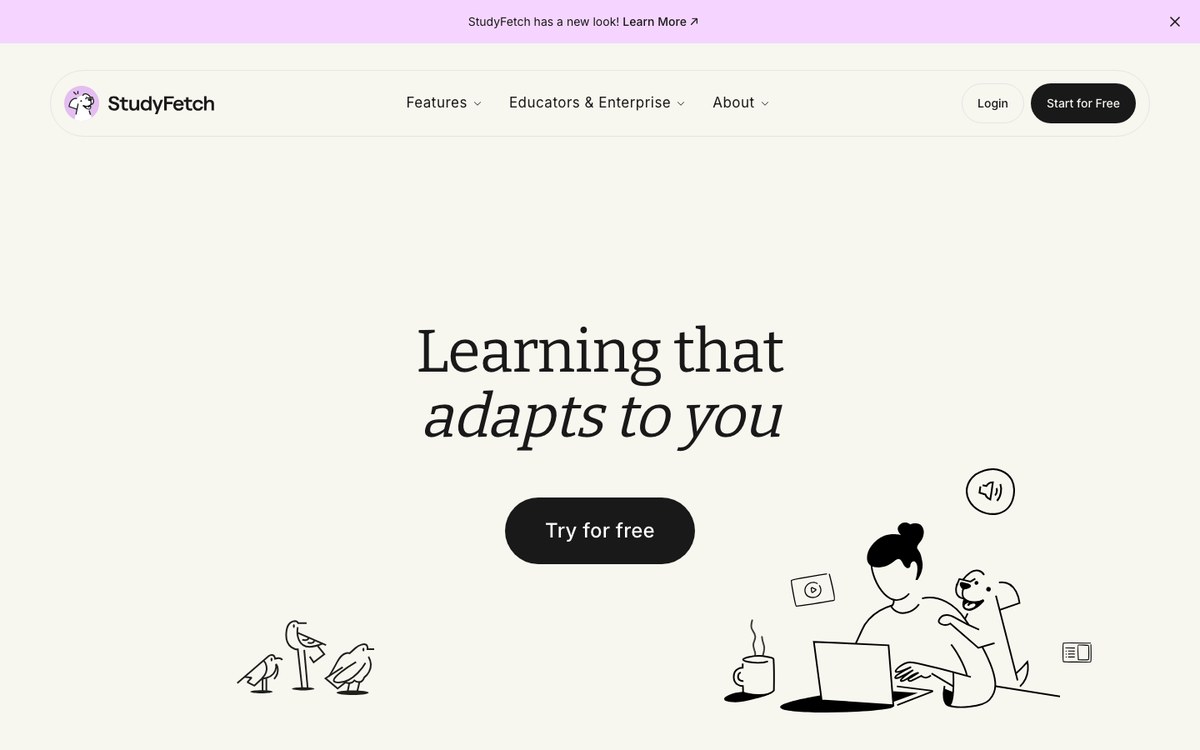
StudyFetch is the clearest example of the "upload your course, get your revision material" category. Drop in a slide deck or a recorded lecture and it returns structured notes, flashcards and tests, plus a tutor that answers questions about that specific material.
Everything it produces is only as good as the document you fed it, and the usable limits sit behind the subscription.
Visit websitePros
- Turns course material into practice in minutes
- Built-in tutor tied to your own documents
- Notes, cards and tests in one place
Cons
- Output quality depends entirely on your source
- The free tier runs out quickly
- Little value outside formal coursework
-

8. Knowt
A free-first Quizlet alternative that imports the sets you already have.
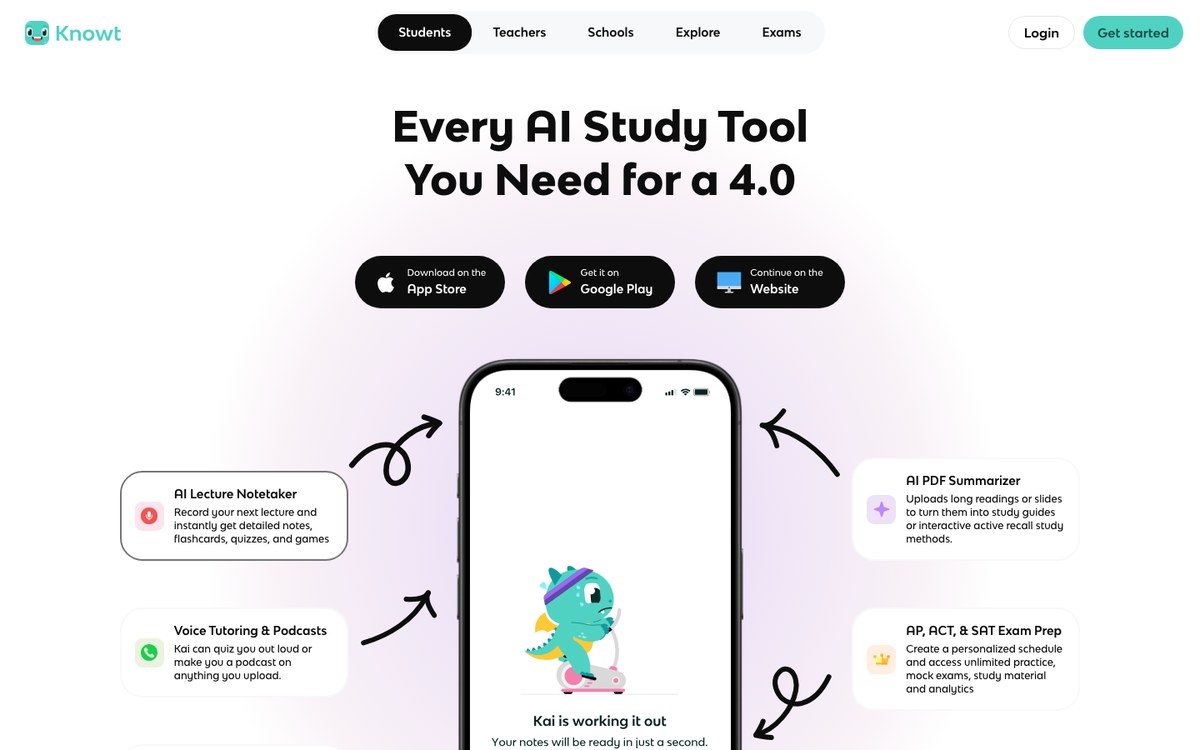
Knowt made its name by letting students import the Quizlet sets they no longer wanted to pay for, then kept adding: flashcards from a PDF or a YouTube video, practice tests, guided notes for AP courses.
The free plan is unusually generous. The trade-off is a busier interface and a library that thins out beyond American high-school subjects.
Visit websitePros
- Imports your existing Quizlet sets
- Unusually generous free plan
- Strong coverage of AP and high-school courses
Cons
- Smaller library than Quizlet
- Cluttered interface
- Mostly aimed at the US market
-

9. Perplexity
An answer engine that shows its sources, which matters when you have to cite them.
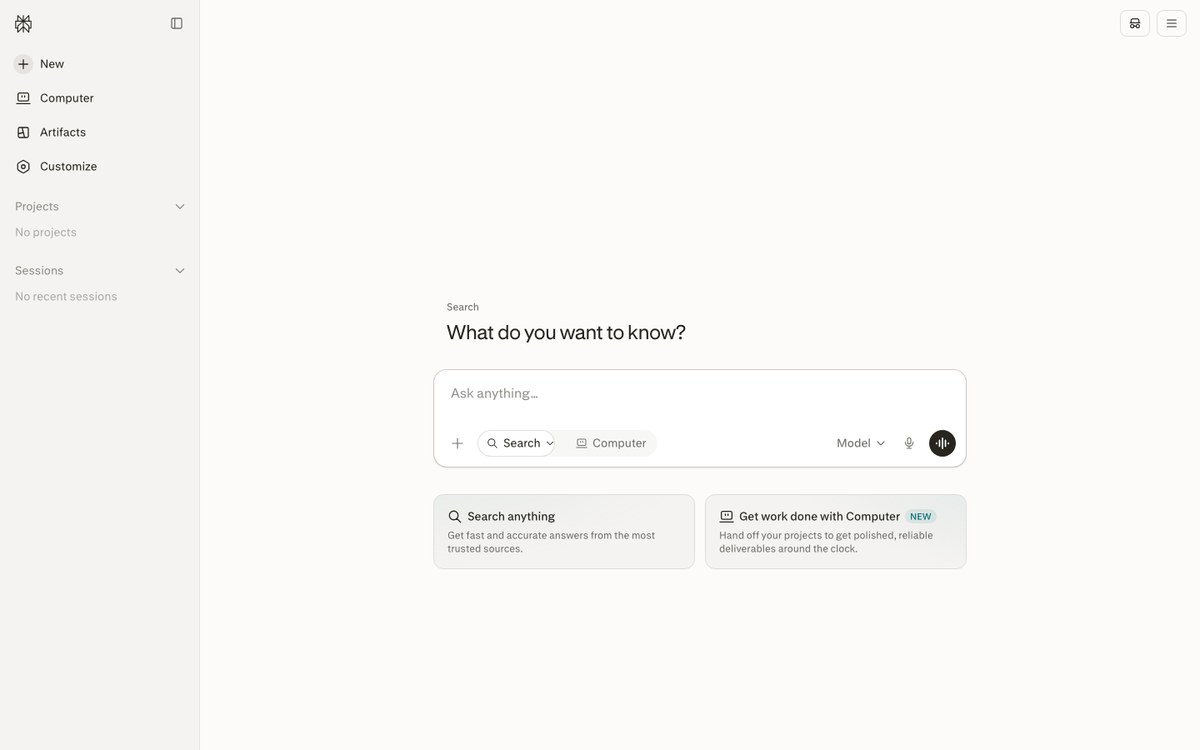
Ask Perplexity a question and you get a short synthesis with numbered links to where each claim came from. For the first hours of an essay or a presentation — mapping the field, finding the serious references — it beats scrolling through search results.
It answers and moves on: nothing is memorised for you, nothing comes back for review, and a vague question still gets a vague answer.
Visit websitePros
- Every answer comes with checkable sources
- Fast way into an unfamiliar topic
- Deep research mode for longer work
Cons
- No exercises, cards or review
- Remembers nothing about your progress
- Quality depends on how well you ask
-

10. Speechify
Reads your PDFs, articles and handouts aloud, at whatever speed you can follow.
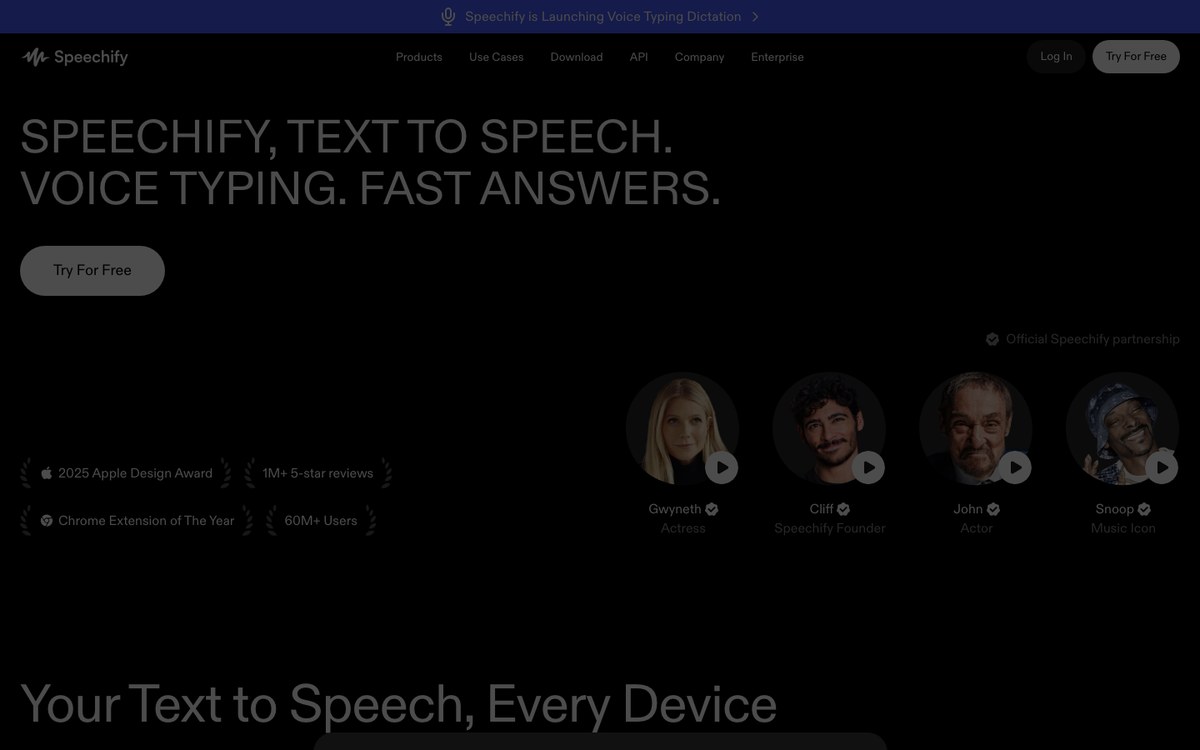
Speechify turns anything written into audio: a scanned chapter, a web article, a lecture handout. Students who read slowly, or who have dyslexia, often describe it as the one tool that made a long reading list possible at all.
Listening is not revising, though. Speechify gets the material into your head once; something else has to check that it stayed there.
Visit websitePros
- Turns any text or PDF into audio
- Playback well above normal speed
- Genuinely helpful for dyslexia and reading fatigue
Cons
- Does not test your understanding
- The best voices require the paid plan
- Passive listening is easy to mistake for studying
How to choose
Most students end up using two tools, not ten. One that helps them understand — a conversational assistant, a tutor, an answer engine — and one that makes the material stay: cards, exercises, a review schedule. Tools that try to be both are rarer than the marketing suggests.
So start from the failure you keep repeating. If you follow a lecture and cannot reproduce it a week later, the problem is retention, and the answer is spaced repetition, not a better summariser. If you read the chapter three times and still cannot say what it argues, the problem is understanding, and no flashcard app will fix it. If you never quite know what to work on next, what you need is a path, not another generator.
And whichever tool you choose, keep one habit: close it, and try to explain what you have just learned from memory. Every tool in this list can produce an explanation for you. None of them can have understood it for you.
If what you are trying to get through is a book rather than a course, the tools are not quite the same: see our Top 10 Best AI Book Companion Tools.
If flashcards are the part you want to get right, we compared the AI tools that generate them — and schedule them — in our Top 10 Best AI Flashcard Makers.