Top 10 Best AI Book Companion Tools in 2026
Ten AI book companion tools compared: which ones help you understand a book, which ones help you remember it, what they cost and who each suits.
This article is also available in French.
An AI book companion is supposed to do what a good reading partner does: answer the question you would otherwise skip, explain the passage you read three times, and bring the book back to you weeks later, when it has started to fade.
Most tools do the first thing well. Very few do the third one at all, and that is the difference this list is ordered by: how much of the book is still with you a month after you closed it. Three questions decided the ranking — does it answer your questions inside the book itself, does it work on the books you own rather than a fixed catalogue, and does anything bring the material back before you forget it?
Prices are those advertised in September 2026 and change often — check before you subscribe.
At a glance
| Rank | Tool | Best for | Pricing |
|---|---|---|---|
| 1 | Amazon Kindle — Ask this Book | Asking a question without leaving the page | Free in the Kindle app (books sold separately) |
| 2 | Fenelon | Reading a book you actually intend to learn from | From €5/month |
| 3 | Google NotebookLM | Questioning a book alongside everything written about it | Free; Pro at $20/month |
| 4 | Rebind | Finally getting through a classic, with a guide | $9.95/month, $120/year, or $29.95 per book |
| 5 | Readwise Reader | Keeping what you highlight | $9.99/month billed annually (30-day free trial) |
| 6 | ChatGPT | Unsticking a difficult passage in seconds | Free; Plus at $20/month |
| 7 | Recall | Connecting a book to everything else you have read | Free; Plus at $10/month billed yearly |
| 8 | ElevenReader | Getting through a book on foot | Free (10 hours/month); Ultra at $8.25/month billed annually |
| 9 | Shortform | Deciding whether a book deserves ten hours | $16.42/month billed annually |
| 10 | Speechify | Getting through a reading list on the move | Free; Premium around $139/year |
-

1. Amazon Kindle — Ask this Book
A reading assistant inside the book you are already reading, with spoiler-free answers.
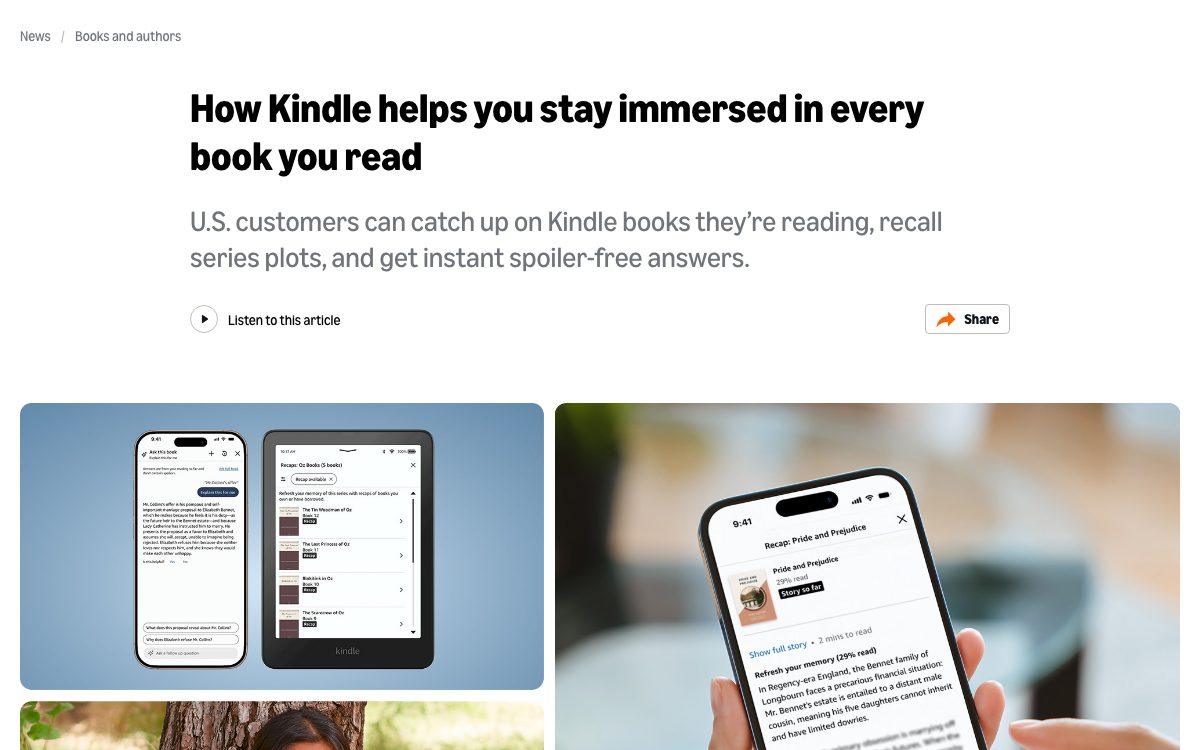
Ask this Book sits in the Kindle app's in-book menu: highlight a passage, tap Ask, and you get an answer drawn from the book itself — who this character is, what that reference meant, why the argument turned. By default it only uses the pages you have actually read, so nothing gets spoiled. The companion feature, Story So Far, recaps the plot up to your bookmark when you come back to a series you left months ago.
Nothing to install, nothing to upload, no second app: the assistant is where the reading happens. That convenience is also its limit — it knows this book and nothing else, and it will never ask you a question back.
Visit websitePros
- Answers come from the book, not from the open web
- Spoiler-free up to the page you have reached
- Nothing to set up if you already read on Kindle
Cons
- US only, and on the iOS app first
- Only works on eligible titles
- Does nothing to help you remember afterwards
-

2. Fenelon
Turns a book you want to learn from into a structured path with exercises and spaced review.
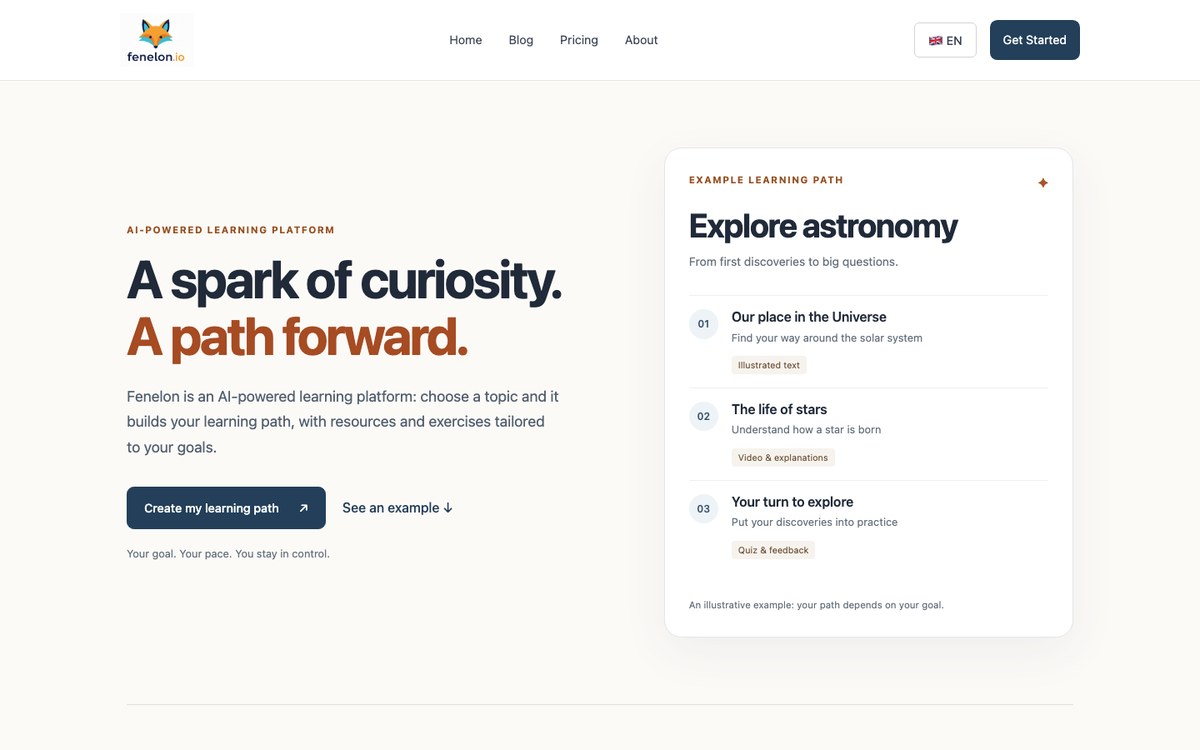
Fenelon takes the opposite route from a chat window: you give it a goal or a document — a PDF, an EPUB, a set of chapters — and it builds a learning path out of it. The material is turned into explanations and exercises that check whether an idea actually stuck, and around it Fenelon adds curated resources: articles, videos, podcasts that cover what the book leaves thin.
Revision is scheduled rather than left to your willpower, which is what separates reading a book from learning from it. It is built for the book you intend to work through over weeks, not for the one you have to finish before Thursday.
Visit websitePros
- Turns a book into exercises, not just summaries
- Spaced review planned for you
- Adds curated outside material where the book is thin
Cons
- No free plan
- Overkill for a novel or a one-evening read
- A younger product than the giants on this list
-

3. Google NotebookLM
Upload the book and its surroundings, then question the whole set with citations.
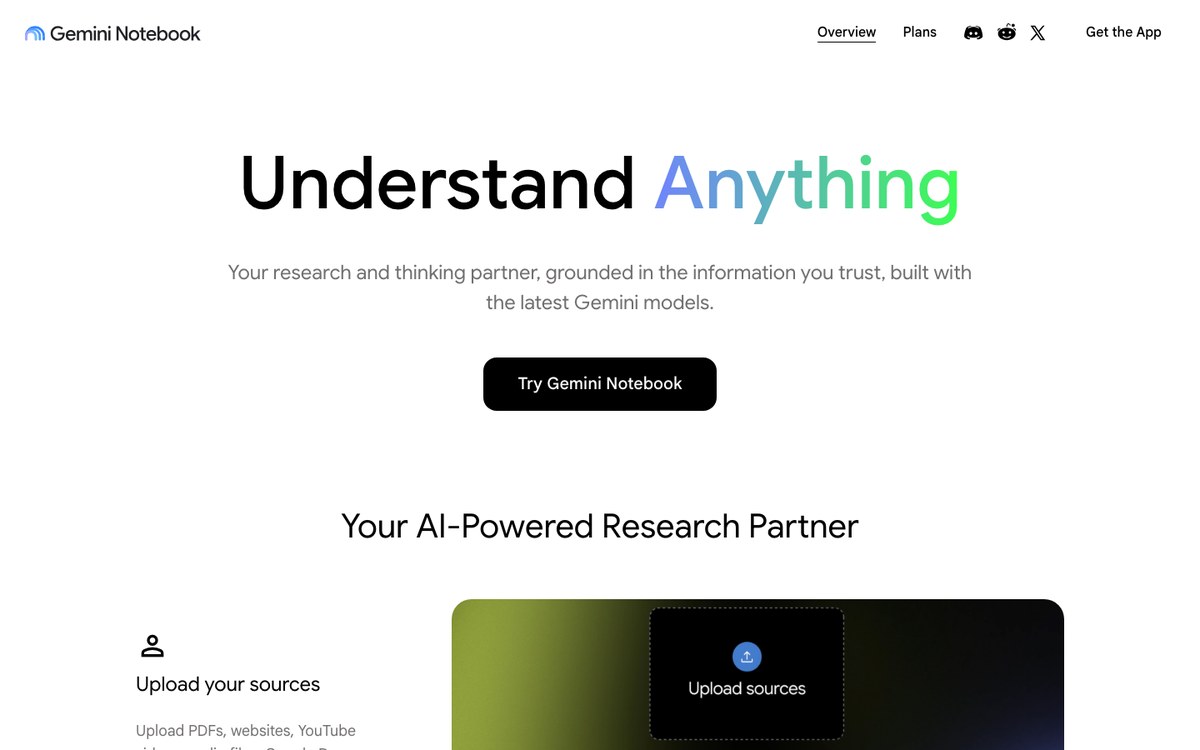
NotebookLM — now presented as Gemini Notebook — answers only from the sources you give it, and every answer points back to the passage it came from. Load the book, the author's interviews, the review that took it apart, and you can interrogate the whole file at once instead of one PDF at a time. Its Audio Overview turns that set into a two-voice conversation you can listen to on the way to work.
It is the best tool here for arguing with a book. It is also the one most likely to let you feel you have understood something you have only heard explained.
Visit websitePros
- Every answer is grounded in your own sources, with citations
- Audio Overview turns a book into a two-voice discussion
- Generous free tier
Cons
- A full book eats into the source limits
- No exercises and no review schedule
- Built for research, not for linear reading
-

4. Rebind
Classics reissued with an expert guide who comments as you read, chapter by chapter.
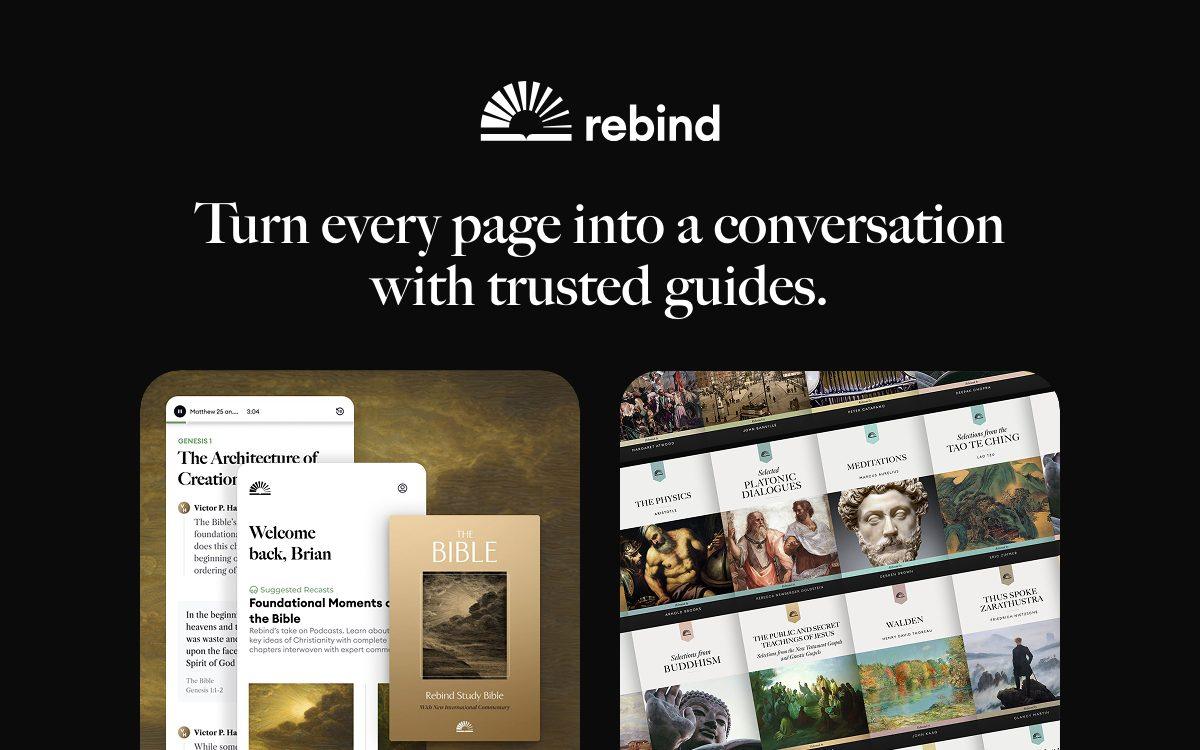
Rebind is a publisher before it is an AI product. It takes great books — Meditations, the Platonic dialogues, Walden, the Bible with the New International Commentary — and pairs each one with a scholar or writer who has spent years with that text. As you read, the guide comments, and you can ask follow-up questions that are answered in that guide's voice and from their actual work.
The result is closer to a seminar than to a chatbot, and it shows in the quality of the commentary. The catch is obvious: you read what Rebind has published, not what is on your shelf.
Visit websitePros
- Commentary from real scholars, not generic AI text
- Built for demanding books people usually abandon
- Audio-first reading works well for the Study Bible
Cons
- Limited to the titles Rebind has produced
- English-language catalogue only
- Nothing here applies to your own books
-

5. Readwise Reader
Everything you read in one place, and every highlight brought back on a spaced schedule.
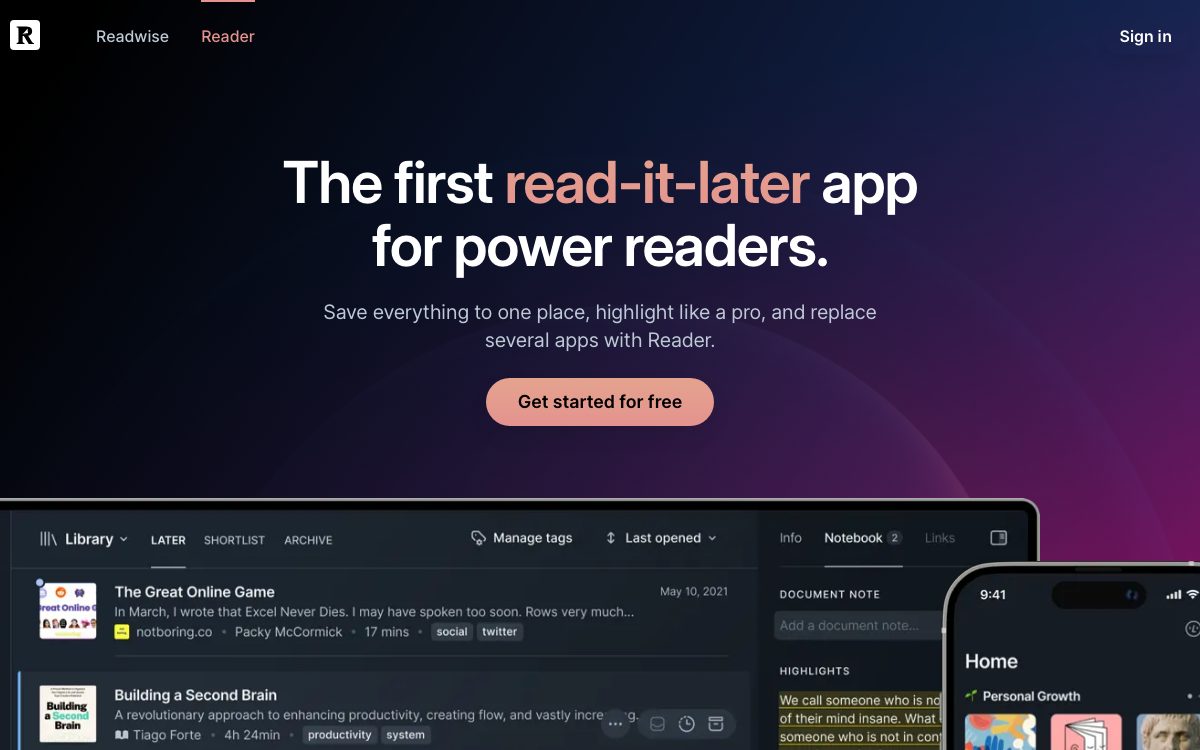
Reader holds EPUBs, PDFs, articles, newsletters and YouTube transcripts in a single library, and highlighting is the point of the whole thing. Ghostreader, its AI layer, defines a term, simplifies a paragraph or answers a question about what you have selected, without leaving the page.
What justifies its place here is the Daily Review: the highlights you saved come back to you at spaced intervals, by email or in the app, long after you have forgotten which book they came from. Very few reading tools bother to close that loop.
Visit websitePros
- EPUB, PDF, articles and newsletters in one library
- Daily Review resurfaces your highlights on a spaced schedule
- Ghostreader explains or simplifies any selection
Cons
- No free plan beyond the trial
- Takes a week to set up properly
- The AI assists your reading; it never tests you
-

6. ChatGPT
The general-purpose assistant that will explain any passage — and quiz you on it if you ask.
Paste a chapter, describe an argument, ask for the historical context you are missing: ChatGPT is the fastest way to unstick a difficult page, in any language, at any hour. Study mode goes further and turns the exchange around, asking you questions instead of handing over conclusions.
Treat what it says about a specific book with care. On a well-known title it is excellent; on an obscure one it will invent a plausible detail rather than admit it has not read it. Give it the text, not just the title.
Visit websitePros
- Explains any passage, in any language
- Study mode makes you do the thinking
- The free tier is genuinely usable
Cons
- Confidently invents details about books it barely knows
- No memory of where you are in your reading
- You have to drive every session yourself
-

7. Recall
Summarises what you read and links it to everything you have read before.
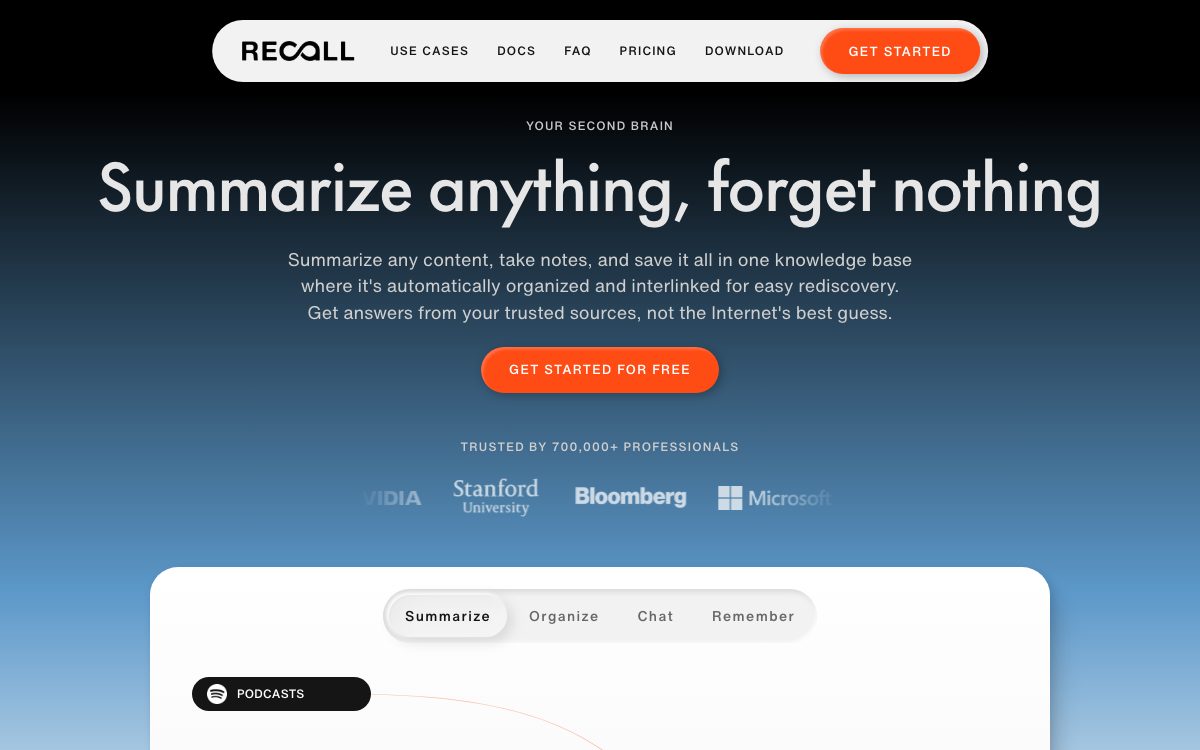
Recall saves books, articles, podcasts and videos into a knowledge graph, summarises them, and — this is the interesting part — connects each new item to what is already in there. Read three books on attention and Recall will show you where they contradict each other rather than leaving three unrelated summaries in three folders.
Spaced repetition quizzes are built in, generated from your own saved material, and everything exports to Markdown if you would rather keep your notes elsewhere.
Visit websitePros
- Automatically links a new book to what you already read
- Spaced repetition quizzes built from your own content
- Clean Markdown export
Cons
- Free plan stops at ten AI summaries a month
- Designed for articles and videos as much as for books
- Automatic organisation sometimes needs correcting
-

8. ElevenReader
Reads your own EPUBs, PDFs and articles aloud in voices you will not want to switch off.
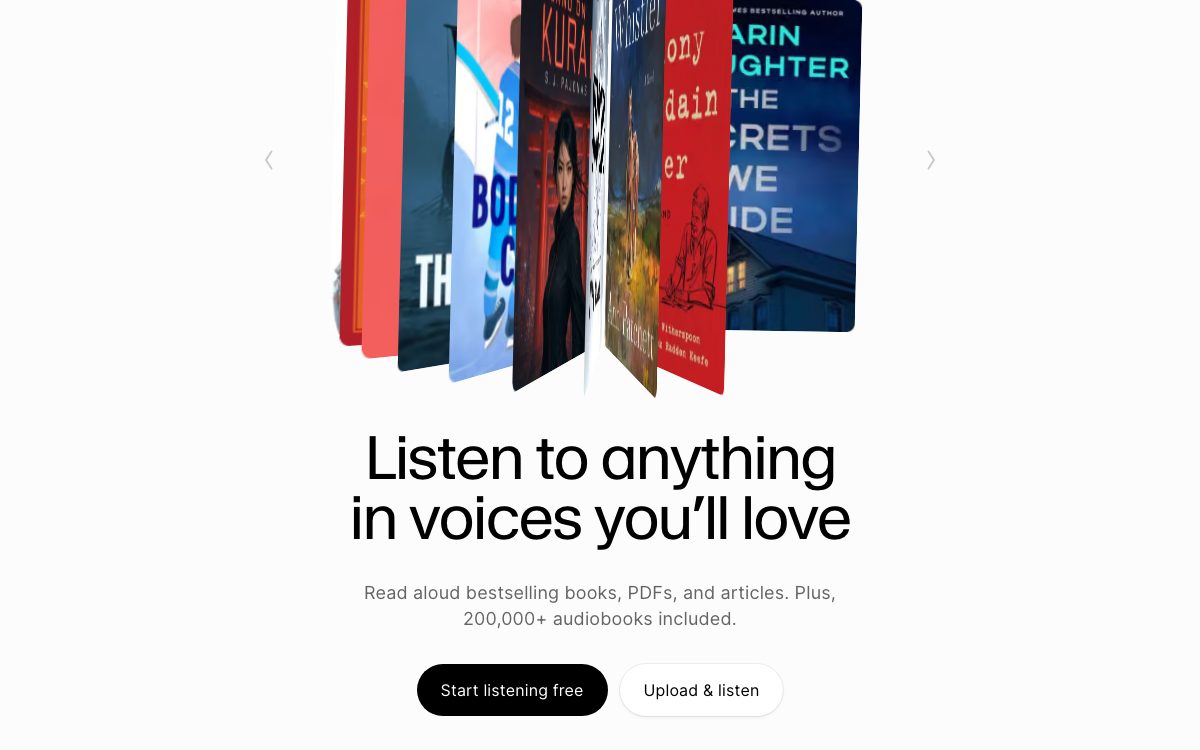
ElevenLabs built the best synthetic voices on the market and then built a reader around them. Upload an EPUB, a PDF, a DOCX or paste a link, pick from a thousand-odd voices in thirty-odd languages, and listen — offline if you want. The paid plan adds a catalogue of more than 200,000 audiobooks on top of your own files.
The free tier's ten hours a month go quickly, and listening remains the most passive way to take in a book. Pair it with something that asks you questions afterwards.
Visit websitePros
- Reads your own EPUBs and PDFs, not just a catalogue
- Voices good enough for a long book
- Ten hours a month at no cost
Cons
- Listening is not revising
- No quizzes, no progress tracking
- Ten free hours disappear fast
-

9. Shortform
Long, opinionated guides to non-fiction books, with exercises rather than bullet points.
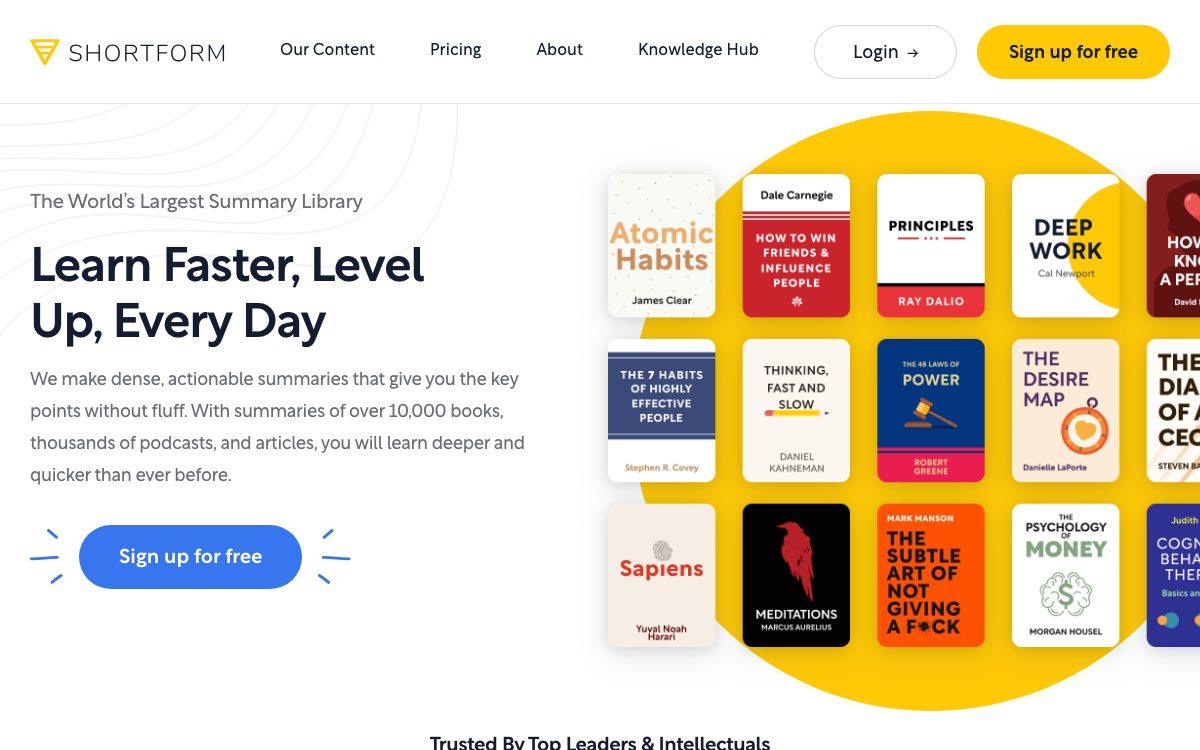
Shortform sits at the serious end of the summary market. Its guides run to chapter-by-chapter analysis, bring in what other books say about the same claim, and push back when an author overstates the evidence. Each guide comes with exercises and an audio version, and the library covers more than 15,000 titles.
Used well, it tells you within twenty minutes whether a book deserves the ten hours it is asking for. Used badly, it becomes a way of talking about books you have not read.
Visit websitePros
- Critical guides, not compressed blurbs
- Exercises at the end of each section
- Every guide available as audio
Cons
- The most expensive tool on this list
- A guide is no substitute for the book
- English-language non-fiction, mostly
-

10. Speechify
Turns printed pages, scans and handouts into audio, at whatever speed you can follow.
Speechify's strength is what it accepts: a scanned chapter photographed with your phone, a badly formatted PDF, a library handout. Readers who are dyslexic, or who simply read slowly, routinely describe it as the tool that made a long reading list possible at all.
It does one job and does not pretend otherwise. Getting the book into your head once is the easy half; something else has to check that it stayed.
Visit websitePros
- Handles scans and photographed pages, not just clean files
- Playback well above normal reading speed
- Genuinely helpful for dyslexia and reading fatigue
Cons
- Never tests your understanding
- The best voices require the paid plan
- Passive listening is easy to mistake for studying
How to choose
These ten tools answer three different questions, and confusing them is how people end up paying for four subscriptions that do the same thing.
If your problem is comprehension — the page that will not resolve, the argument you cannot follow — you want the book to answer back: Ask this Book, NotebookLM, Rebind, ChatGPT. If your problem is volume, the pile that never goes down, the answer is audio or good guides: ElevenReader, Speechify, Shortform. And if your problem is retention, and for most readers it is, only four tools on this list will do anything about it: Fenelon, Readwise, Recall, and Rebind's slower reading pace.
The honest test is the one you can run tonight. Take a book you finished last month, close everything, and write down what it argued and what changed your mind. If the page stays empty, you do not need a better summariser — you need something that brings the book back to you next week, and the week after. That is the whole difference between a tool that reads with you and a tool that reads for you.
For tools aimed at studying rather than reading — flashcards, tutoring, exam revision — see our Top 10 Best AI-Powered Study Tools.
And if you would rather turn a book into cards you review, see our Top 10 Best AI Flashcard Makers.