Top 10 Best AI Flashcard Makers in 2026
Ten AI flashcard makers compared: which ones build good cards from your notes, PDFs and books, which ones actually schedule your reviews, what they cost and who each suits.
This article is also available in French.
Every AI flashcard maker now does the easy part. Drop in a PDF, a slide deck or a YouTube lecture, and thirty seconds later you have a deck of two hundred cards. That is not where studying succeeds or fails.
It fails a month later, when the cards were generated, skimmed once and never seen again. So this list is ordered by a harder question than "how fast does it make cards": how much of the material is still in your head four weeks on? Three things decided the ranking — are the generated cards good enough to keep without rewriting them all, is there a real spaced repetition schedule behind them, and can you get your cards out if you change tools?
Free plans are compared too, because for most students the best free AI flashcard generator is the one they will actually keep using. Prices are those advertised in September 2026 and change often — check before you subscribe.
At a glance
| Rank | Tool | Best for | Pricing |
|---|---|---|---|
| 1 | Quizlet | Turning class notes into a set tonight | Free (limited); Plus around $36/year |
| 2 | Fenelon | Remembering a subject, not just a list of definitions | From €5/month |
| 3 | Anki | Keeping thousands of cards for years | Free; $24.99 once on iOS |
| 4 | RemNote | Students who take notes and review in the same tool | Free; Pro from $8/month billed yearly |
| 5 | Knowt | High-schoolers leaving Quizlet | Free; Ultra from $12.99/month billed yearly |
| 6 | Revisely | Turning handwritten notes into cards | Free plan; paid from €3.99/month billed yearly |
| 7 | Gizmo | Students who struggle to review every day | Free (limited); Unlimited plans in the app |
| 8 | NoteGPT | One-off decks from a video or an article | 15 free credits/month; Pro from $9/month billed yearly |
| 9 | Limbiks | Anki users who want the cards written for them | Free (10 uploads/month); Pro $5/month |
| 10 | Brainscape | Exam prep with expert-made decks | Free (limited); Pro $7.99/month billed yearly |
-

1. Quizlet
The flashcard giant, now turning your notes and slides into study sets in seconds.
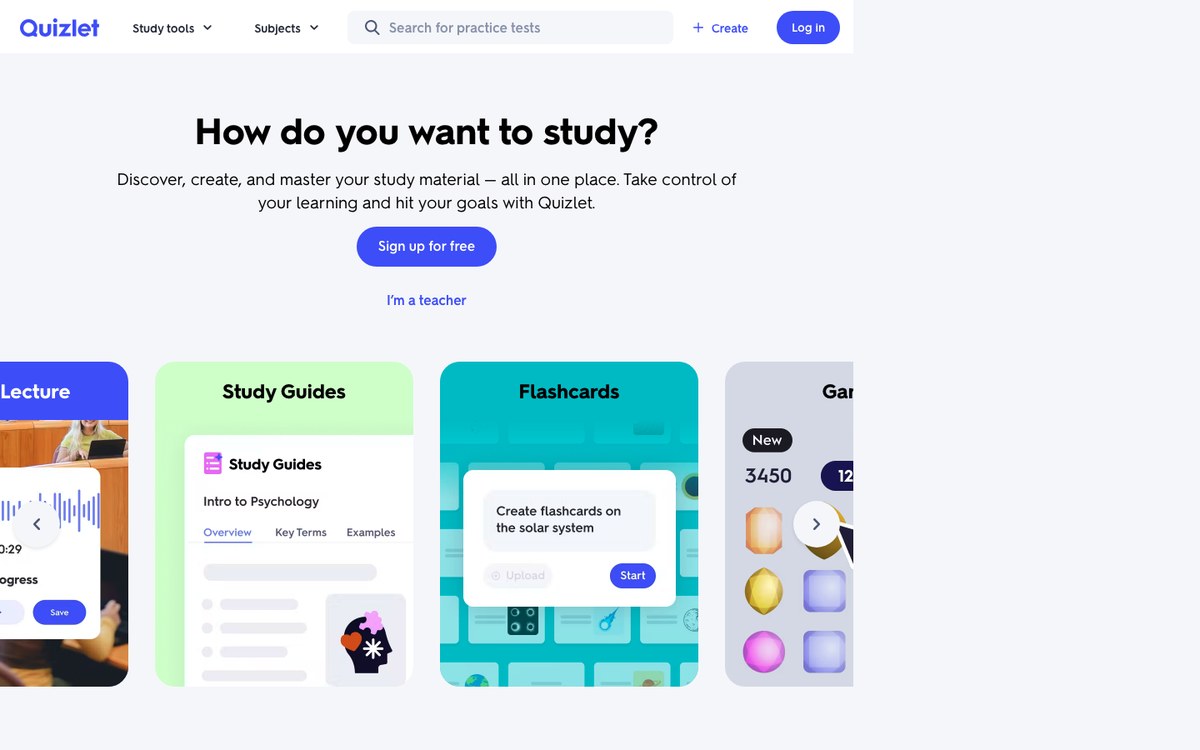
Quizlet's AI flashcard generator — the feature once called Magic Notes, now presented as study guides — takes typed notes, slides, PDFs or photographed handwriting and returns an outline, an editable set of cards and practice questions. Behind it sits the largest library of shared sets anywhere: for most standard courses, someone has already made the deck you need.
What you get afterwards is a set of study modes rather than a review schedule. Learn mode adapts to your answers, but you never see or control when a card comes back, and more of those modes now sit behind a paywall than a year ago.
Visit websitePros
- Fast AI sets from notes, slides and handwriting
- Huge library of ready-made sets
- Familiar modes: Learn, Test, Match
Cons
- No visible spaced repetition schedule
- Learn rounds capped on the free plan
- Shared sets vary widely in accuracy
-

2. Fenelon
Skips the deck: turns your material into varied exercises and schedules the reviews for you.
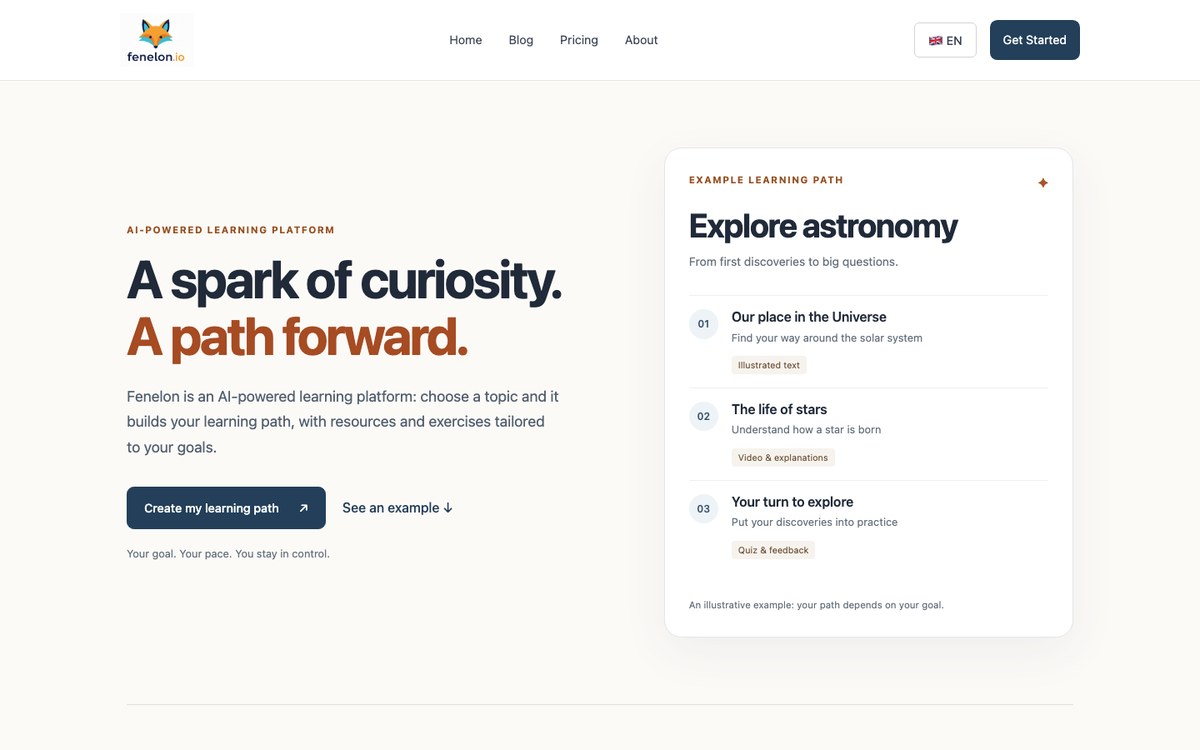
Fenelon is the odd one out on this list, and deliberately so: it does not produce a front-and-back deck. You give it a goal or a document — a PDF, an EPUB, a set of chapters — and it turns the material into exercises that test the same idea from different angles: multiple choice, matching, fill-in-the-blank, free answers you have to write yourself.
The spaced repetition part is the point. Fenelon tracks which skills are fading and brings them back as fresh exercises at the moment you are about to lose them, rather than showing you the same card with the same wording until you recognise it without understanding it.
Visit websitePros
- Exercises that vary, not one card memorised by its wording
- Reviews scheduled on the skills you are losing
- Works from your own documents and goals
Cons
- Does not produce a classic flashcard deck
- No Anki or Quizlet export
- No free plan
-

3. Anki
The spaced repetition engine that most AI generators export to.
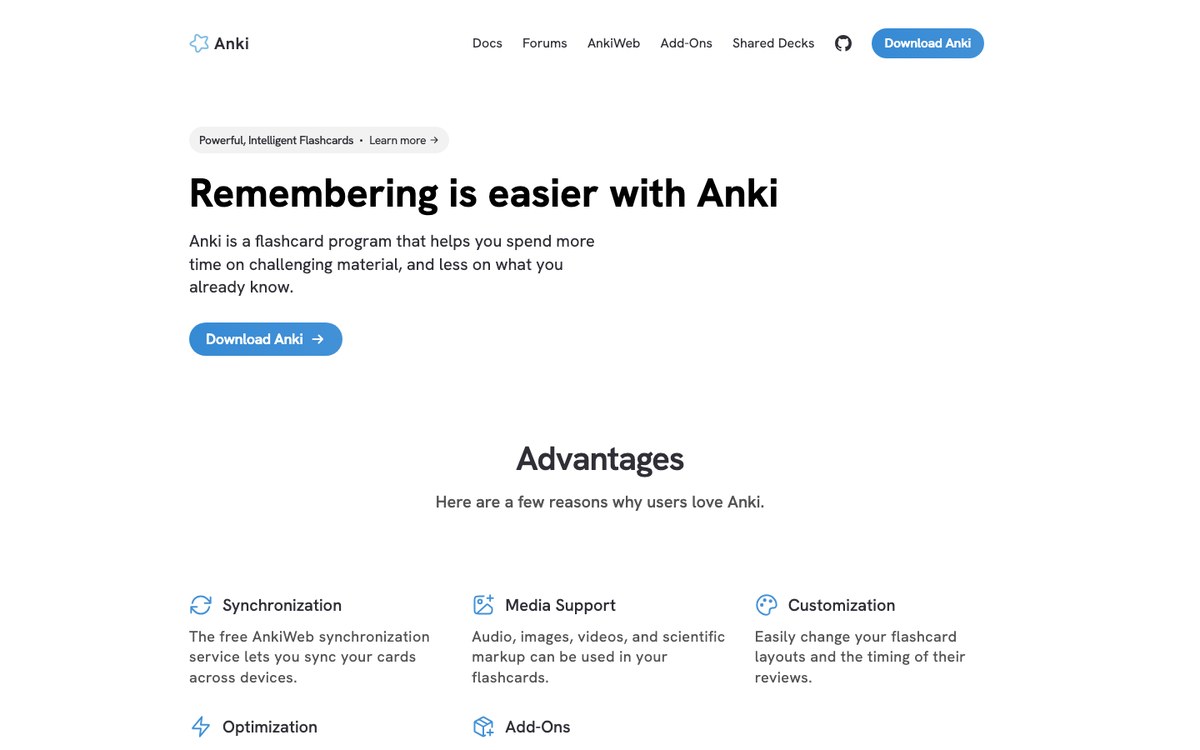
Anki has no AI in the box, and it still belongs near the top of any flashcard list, because it is where the cards go to be remembered. Its FSRS scheduler — optional, switched on in the deck options — is the most advanced review algorithm available to the public, and the reason medical students tolerate an interface that has barely changed in a decade.
The AI part comes from outside: add-ons that call an LLM from inside the card editor, generators such as Limbiks or RemNote that export an .apkg file, or simply asking a chatbot for a CSV and importing it. It is more setup than any other tool here, and the most durable result.
Visit websitePros
- FSRS, the best scheduler on this list
- Free and open source on desktop, web and Android
- Imports decks from almost every AI generator
Cons
- No built-in AI card generation
- Dated, intimidating interface
- The iOS app is paid
-

4. RemNote
Notes and flashcards in one place, with AI cards generated from your PDFs and lecture slides.
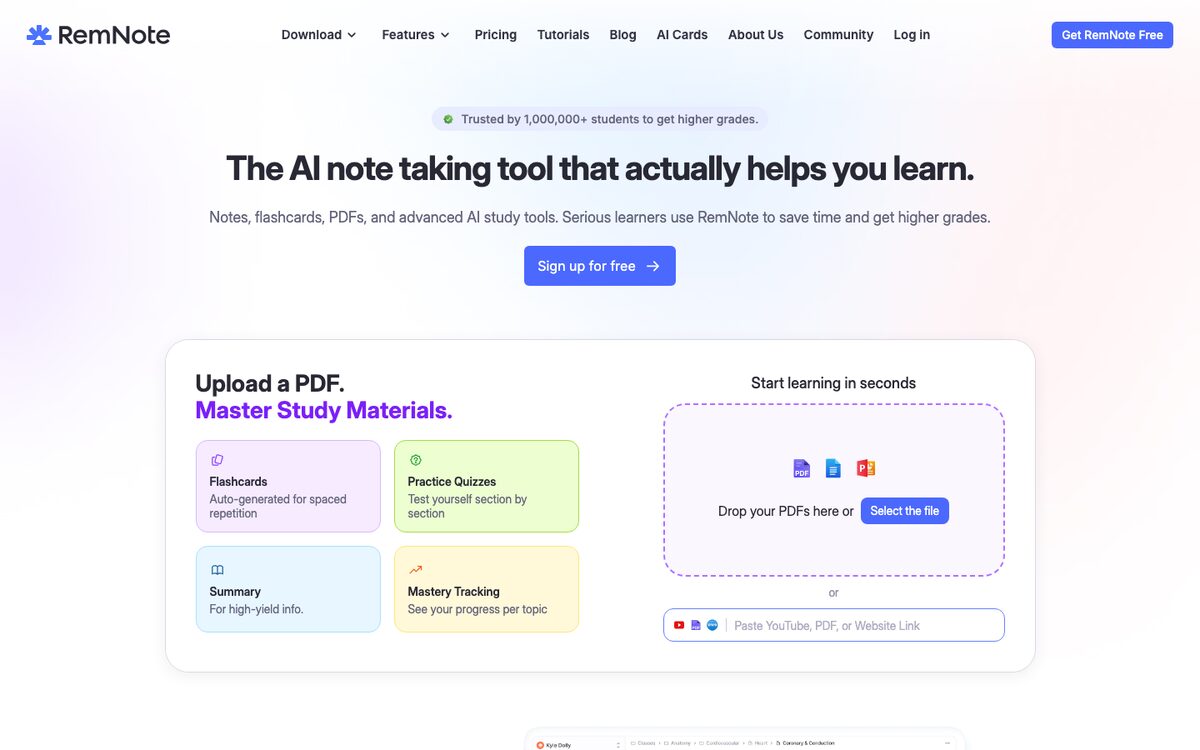
RemNote starts from the idea that your notes and your flashcards should be the same document. Select a passage, or upload a PDF or a slide deck, click Generate Cards, and the AI writes cards that stay linked to the notes they came from — so when a card makes no sense three weeks later, the context is one click away.
Reviews run on a real scheduler, SM-2 by default with FSRS available, and cards export to Anki if you leave. The catch is the AI budget: the free plan allows a handful of AI generations, and serious use needs the top tier.
Visit websitePros
- Cards linked to the notes they came from
- Real spaced repetition, including FSRS
- Exports to Anki
Cons
- Free AI generation is very limited
- A busy interface with a learning curve
- The useful AI tier is the expensive one
-

5. Knowt
A free-first Quizlet alternative that builds sets from notes, PDFs and lecture videos.
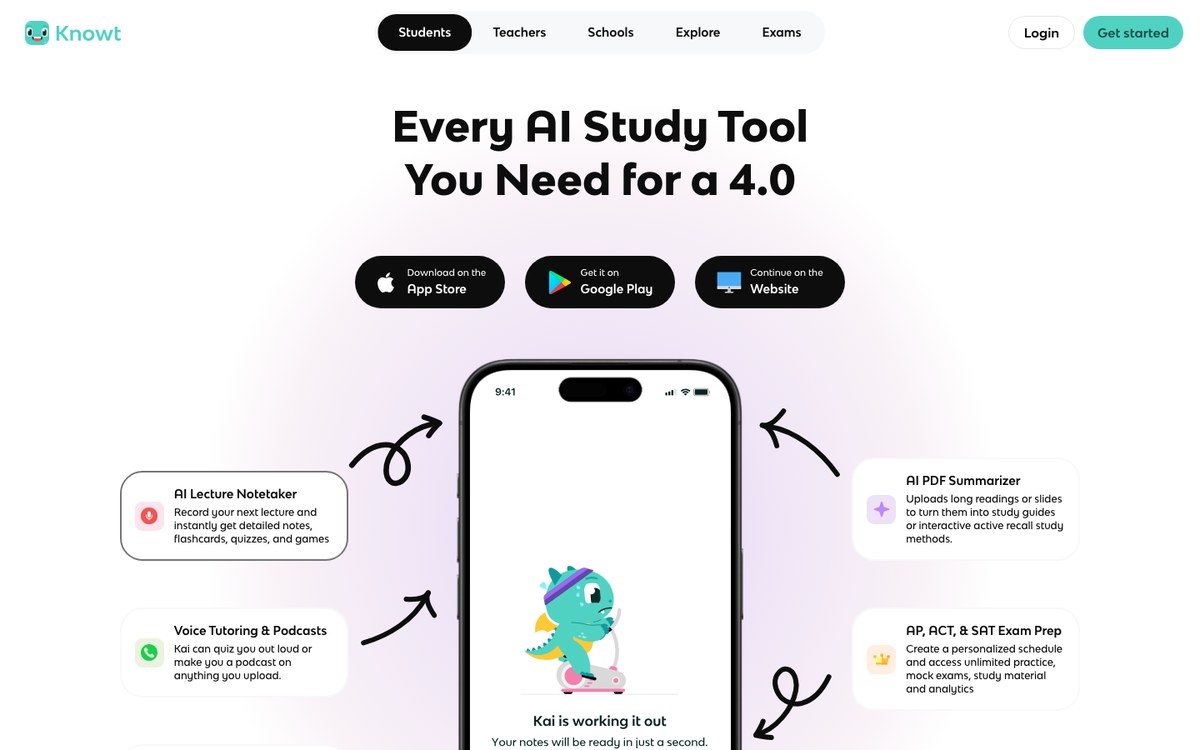
Knowt made its name by importing the Quizlet sets students no longer wanted to pay for, and it still leads with that: Learn mode is free and unlimited on every set. Its AI turns typed notes, PDFs, slides and recorded lectures into notes and flashcards, and a spaced repetition mode sits alongside the usual practice tests and matching games.
The free plan is generous for studying, less so for generating: the AI summarisers for files and videos are the paid tier's selling point. Cards leave Knowt as PDF only.
Visit websitePros
- Unlimited Learn mode for free
- One-click import of Quizlet sets
- Spaced repetition mode included
Cons
- AI generation from files sits behind Ultra
- Export is PDF only, no Anki
- Ads and a cluttered interface on the free plan
-

6. Revisely
A focused AI flashcard generator that reads handwriting, photos and slide decks.
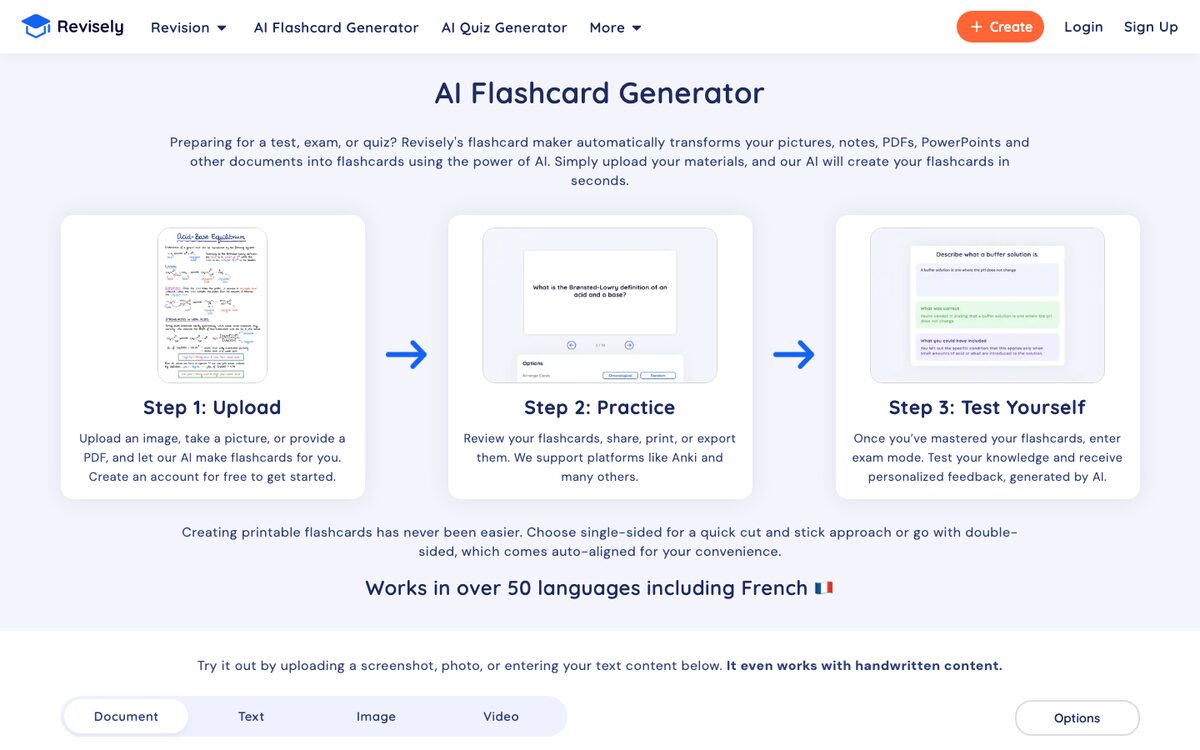
Revisely does one job with few distractions. Upload a document, a PowerPoint, a photo of your handwritten notes, or paste text, and it returns an editable deck; a chat in the editor lets you ask for more cards on a section or rewrite the ones that missed. It works in more than fifty languages.
A spaced repetition mode is included, and decks export to text, Excel and PDF, or to Anki on the top plan. The free plan is mostly a trial: only five pages of any document are read.
Visit websitePros
- Reads handwriting and photographed notes
- AI chat to refine the deck
- Cheap on an annual plan
Cons
- Free plan reads only 5 pages per document
- Anki export reserved for the top plan
- Few independent reviews
-

7. Gizmo
AI flashcards wrapped in a game, with hearts, XP and streaks to keep you coming back.
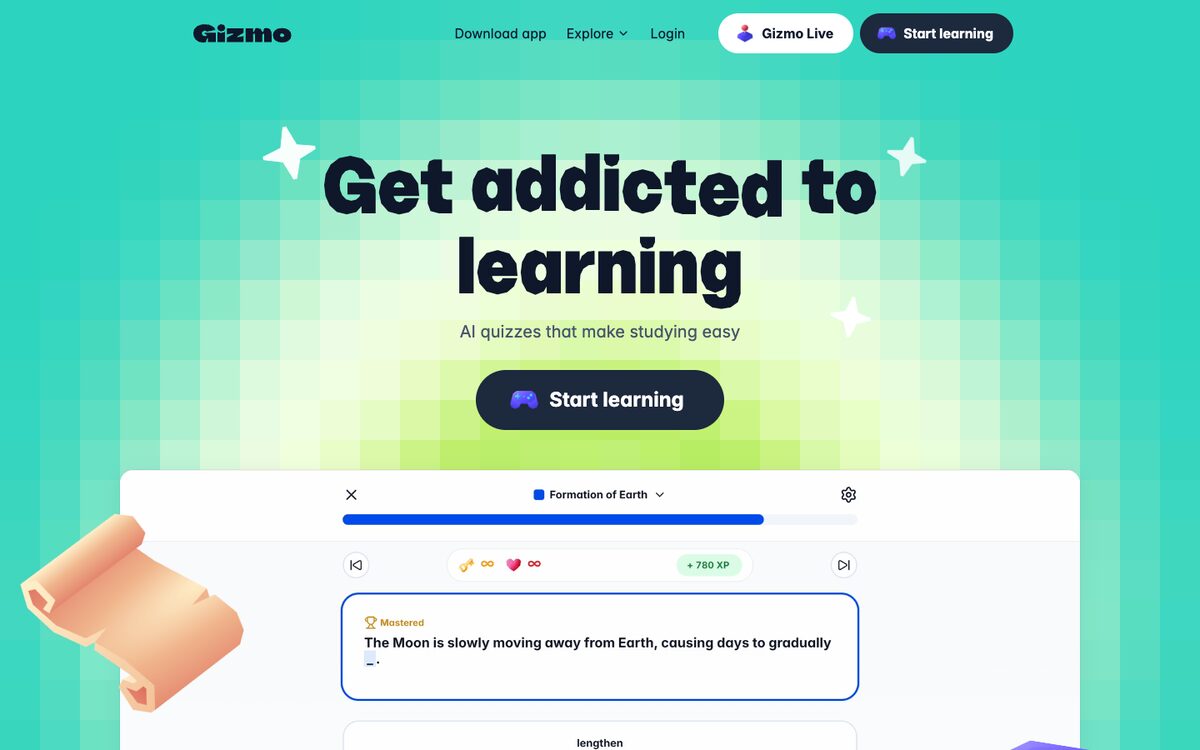
Gizmo's bet is that the hard part of flashcards is not making them but opening the app. Its Magic Import turns PDFs, slides, YouTube videos, audio or a screenshot of your notes into a deck — it also imports existing Anki and Quizlet decks — and reviews then play out as quizzes with hearts, levels, leagues and streaks.
Spaced repetition runs underneath, but as a black box: you cannot see or adjust the intervals, and nothing can be exported. The free plan limits imports to two a day.
Visit websitePros
- The most motivating review experience here
- Imports from PDFs, video, audio, Anki and Quizlet
- Good mobile apps
Cons
- Hidden scheduling you cannot control
- No export of any kind
- Pricing only visible inside the app
-

8. NoteGPT
A quick AI flashcard maker inside a large AI toolkit, from files, links or YouTube videos.
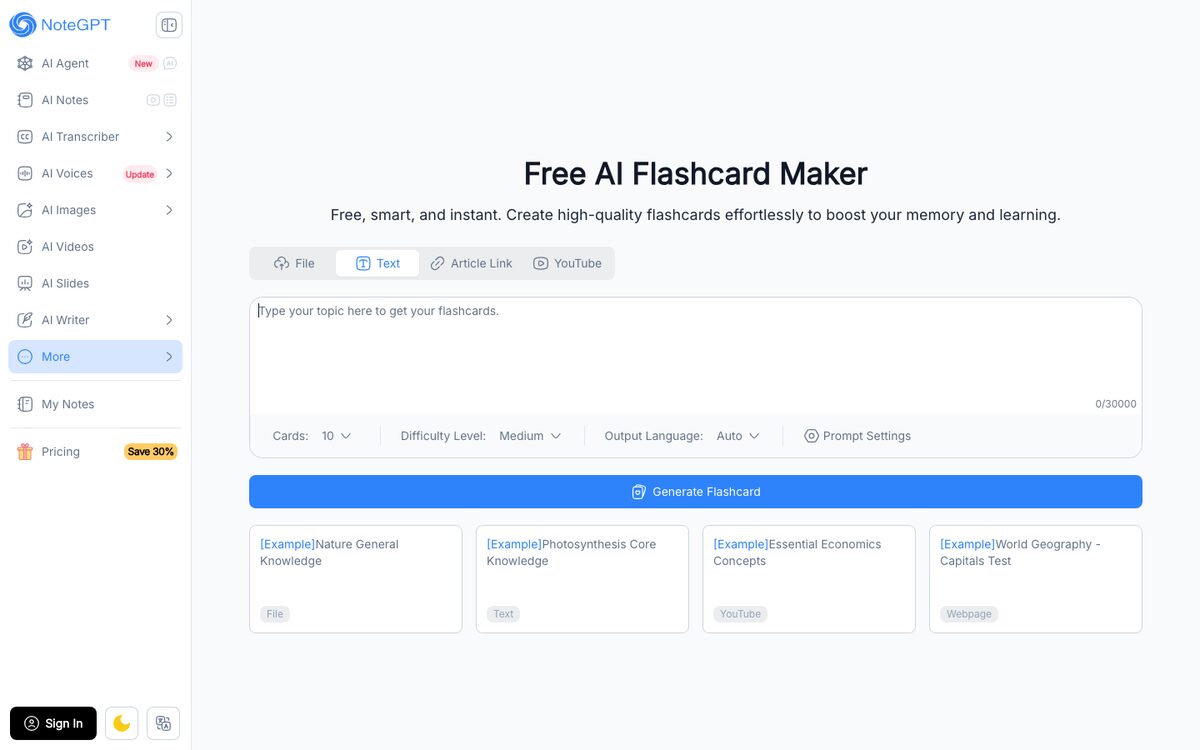
NoteGPT's flashcard maker takes a file (PDF, slides, Word, images), up to 30,000 characters of text, an article link or a YouTube URL, and returns question-and-answer cards. You choose the number of cards, the difficulty and the output language before generating, which makes it one of the easier tools to steer.
It is a generator, not a study app: there is no spaced repetition behind the cards, and the free quota is shared with every other tool in the NoteGPT suite.
Visit websitePros
- Accepts YouTube and article links, not just files
- Card count, difficulty and language are adjustable
- Nothing to install
Cons
- No spaced repetition or review mode
- Free credits shared across the whole suite
- Expensive if you only want flashcards
-

9. Limbiks
An AI flashcard generator built to feed Anki, with one-click sync and image occlusion.
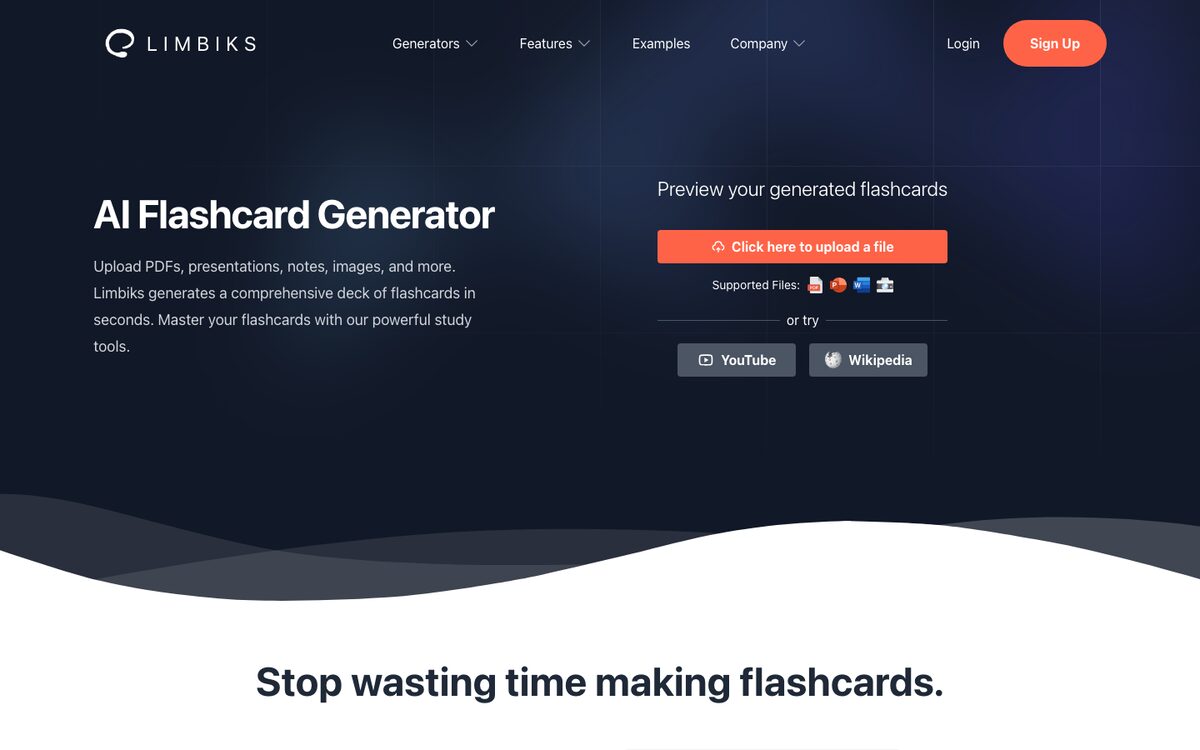
Limbiks turns PDFs, slides, Word documents, images, YouTube videos or Wikipedia articles into a deck in 21 languages, and adds AI image occlusion for diagrams — the card type most generators ignore. It has its own spaced repetition mode, but its real strength is what happens next: download for Quizlet and others, or sync straight into Anki.
For an Anki user who hates writing cards, it is the most direct route on this list. The free plan reads five pages per upload, which is enough to judge the quality, not to study a course.
Visit websitePros
- One-click sync to Anki
- AI image occlusion for diagrams
- Cheap Pro plan
Cons
- Free plan limited to 5 pages per upload
- Very few independent reviews
- A small, quiet product
-

10. Brainscape
Confidence-based repetition, expert decks, and an AI copilot that writes cards with you.
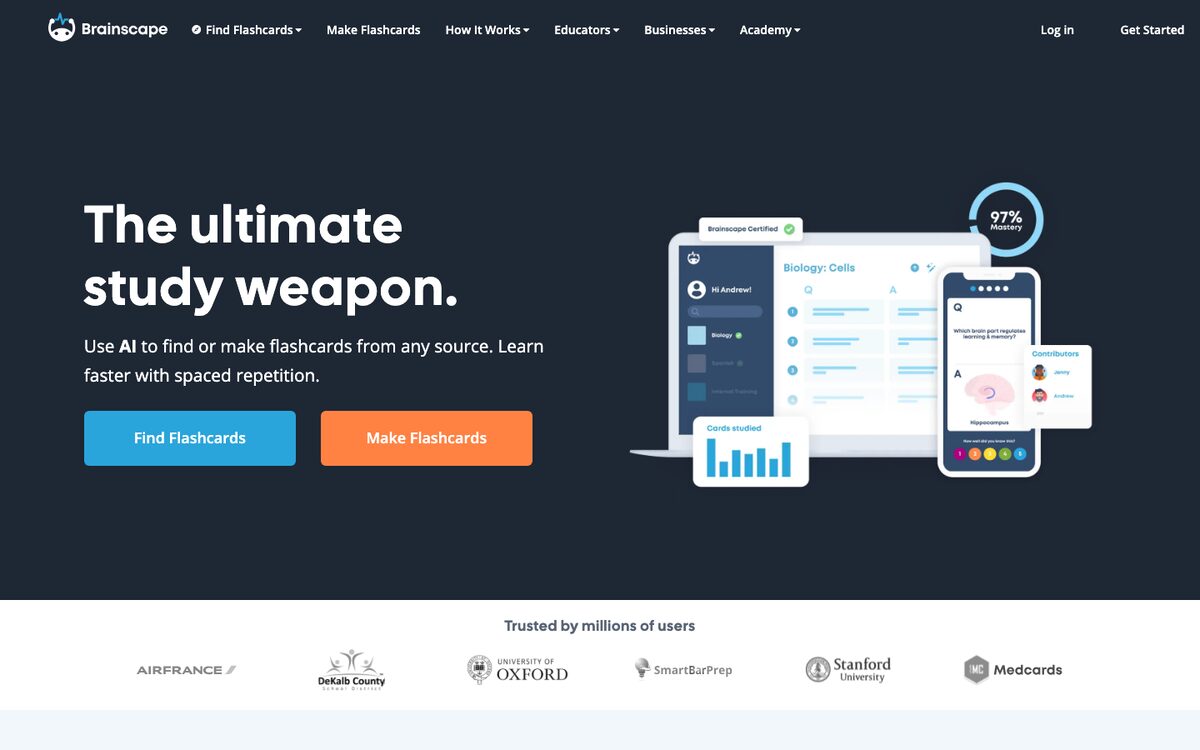
Brainscape asks you to rate each card from 1 to 5 by how confident you are, and uses that rating to decide how soon it returns — a scheduler that is simple to understand and hard to cheat. Its AI can turn a document into a deck, and Flashcard Copilot works card by card, suggesting a question, a hint or a mnemonic that you accept or reject.
That keeps you in control of what goes into the deck, which is exactly what fast generators skip. The certified expert decks (MCAT, bar exam, languages) and unlimited AI are Pro features.
Visit websitePros
- Confidence-based scheduling that is easy to trust
- AI copilot that keeps you writing the cards
- Certified decks for major exams
Cons
- The best decks and unlimited AI are paid
- No Anki export; CSV export is Pro only
- Expensive month to month
How to choose an AI flashcard maker
Start with what happens after the cards exist. A generator that hands you two hundred cards and no schedule has saved you an evening and cost you the exam: without spaced repetition, you will review everything too often at first and nothing at all three weeks later. Of the ten tools above, NoteGPT is the only one with no review mode at all, and Quizlet and Gizmo schedule reviews in ways you cannot see.
Then decide where your cards should live. If you already use Anki, the best AI flashcard generator is the one that feeds it cleanly: Limbiks, RemNote or Revisely, then let FSRS do the rest. If you want one app for everything, Quizlet, Knowt and Brainscape keep making, studying and sharing in one place. If a daily habit is what you lack, Gizmo's streaks will do more for you than a better algorithm.
On free plans, be realistic. Most free AI flashcard makers read five pages of a document, or a handful of generations a month — enough to try the tool, not to get through a semester. The genuinely free options are Anki with cards you write yourself, and Knowt's Learn mode on sets you already have.
And test the cards, not the generator. Take ten cards the AI wrote from your own notes, and try to answer them a week later without looking. If you can answer them without understanding the material, the cards are testing recognition, not knowledge — which is the moment to rewrite them, or to move to exercises that ask the same idea in more than one way.
For the wider picture of AI tools for studying — tutors, answer engines, course-to-notes tools — see our Top 10 Best AI-Powered Study Tools. And if what you want to remember is a book, see our Top 10 Best AI Book Companion Tools.